๐Ÿš€ CCS App is live โ€” see it on the Tech Apps page!
TECH APPS ยท COURSE CREATOR SUITE

Turn a course idea into a finished video โ€” automatically.

Course Creator Suite takes a topic, writes the narration script, builds the slides, records the voiceover in a cloned voice, and assembles the final video. It's the same tool used to build the masterclasses on this site.

~1 month → 3–4 days
For a 120–150 lecture course, that's how much faster production got after switching to Course Creator Suite.
Based on the founder's own course-production time, before vs. after building and using CCS App. Not a third-party or customer-measured statistic โ€” we don't have a usage-analytics pipeline yet, so this is our own honest number, not a marketing estimate.
Get Course Creator Suite See Course Creator Suite in Action Course Creator Suite Training Videos

What it does

Everything between "idea" and "published course," automated.

๐Ÿ“

AI Script Generation

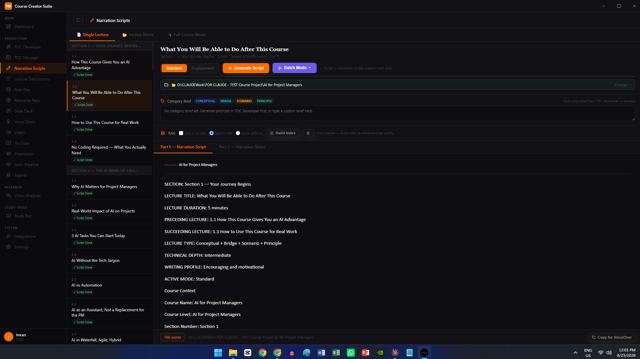
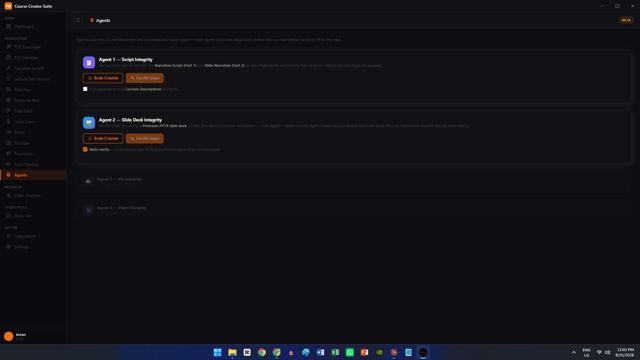
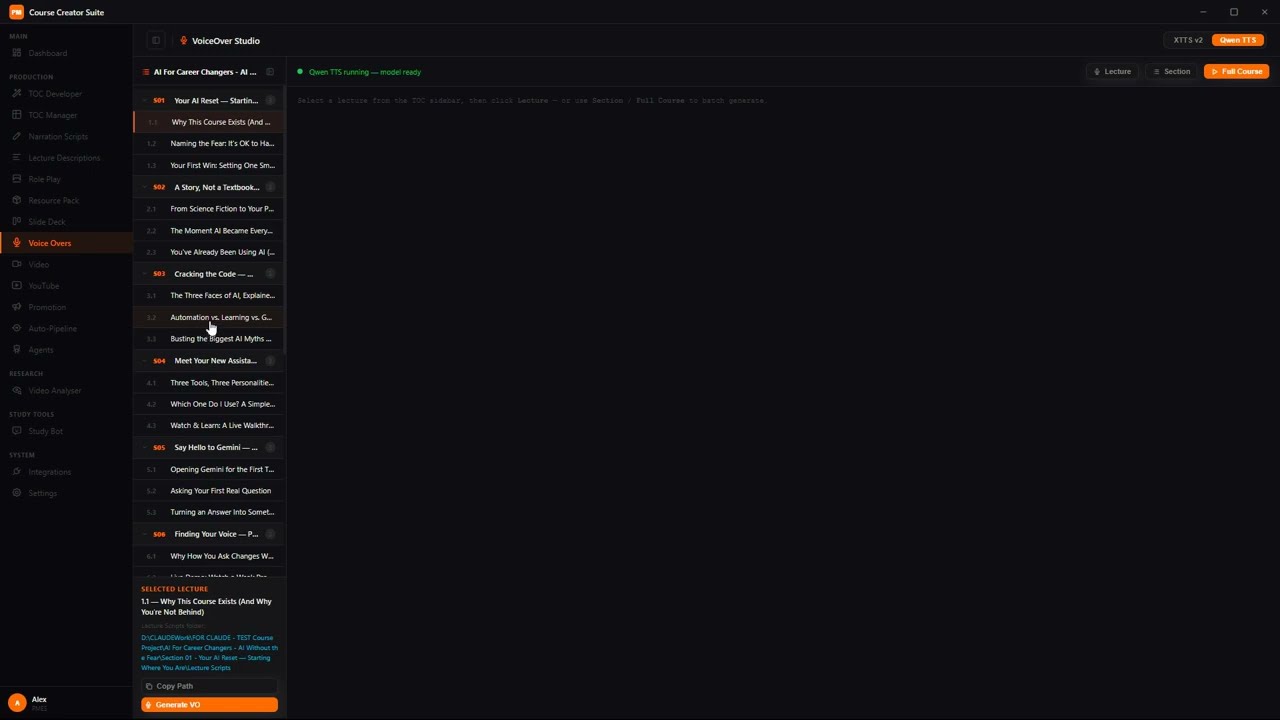
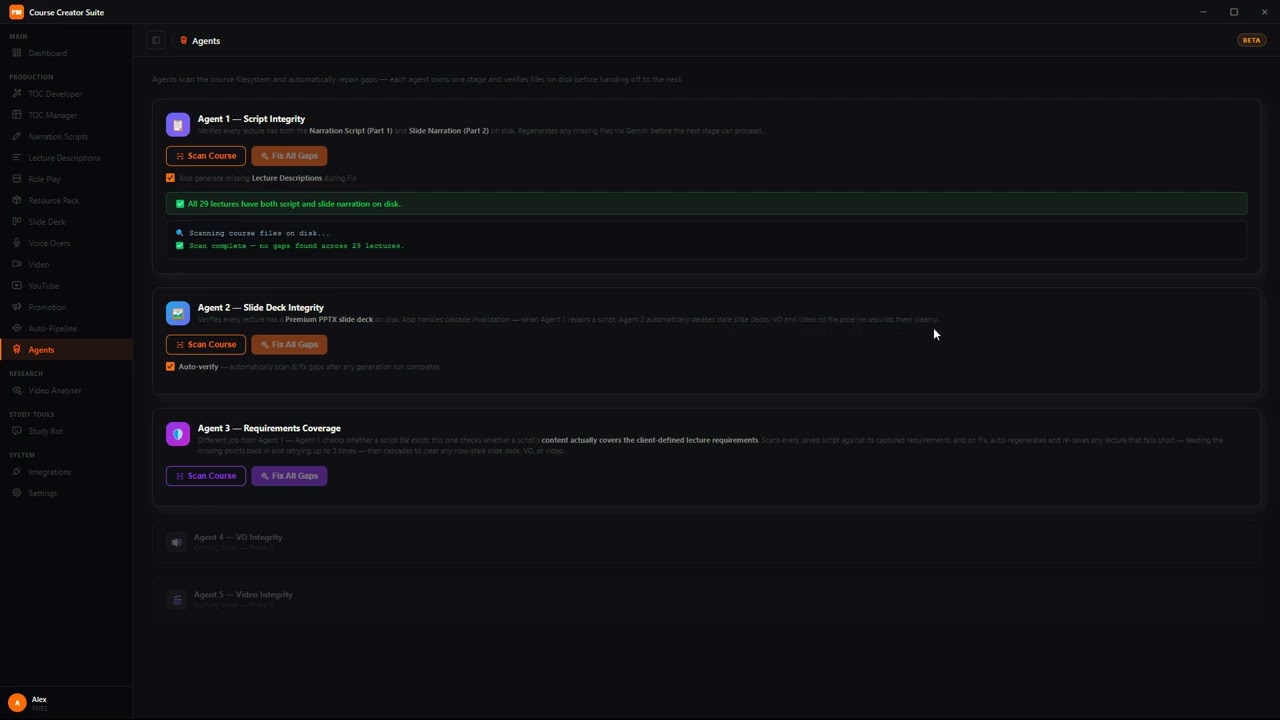
Every lecture gets a narration script written for its exact position in the course โ€” it knows what came before and what's next.

๐ŸŽฌ

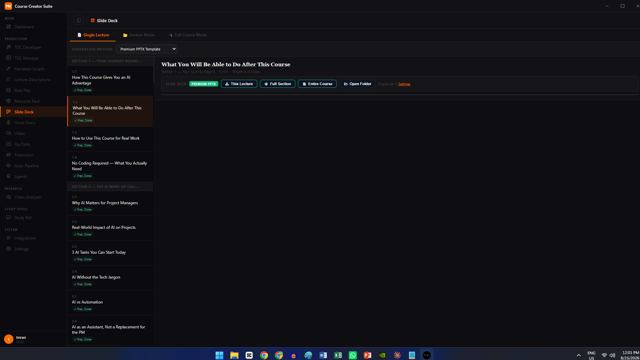
Auto Slide Decks

One click turns any script into a fully designed PPTX presentation, styled with a premium template โ€” ready to record over.

๐ŸŽค

Local AI Voice-Overs

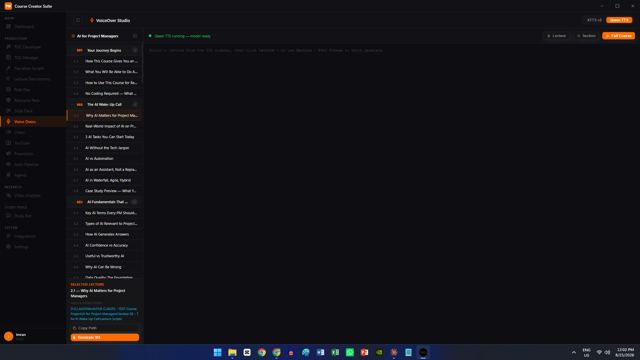
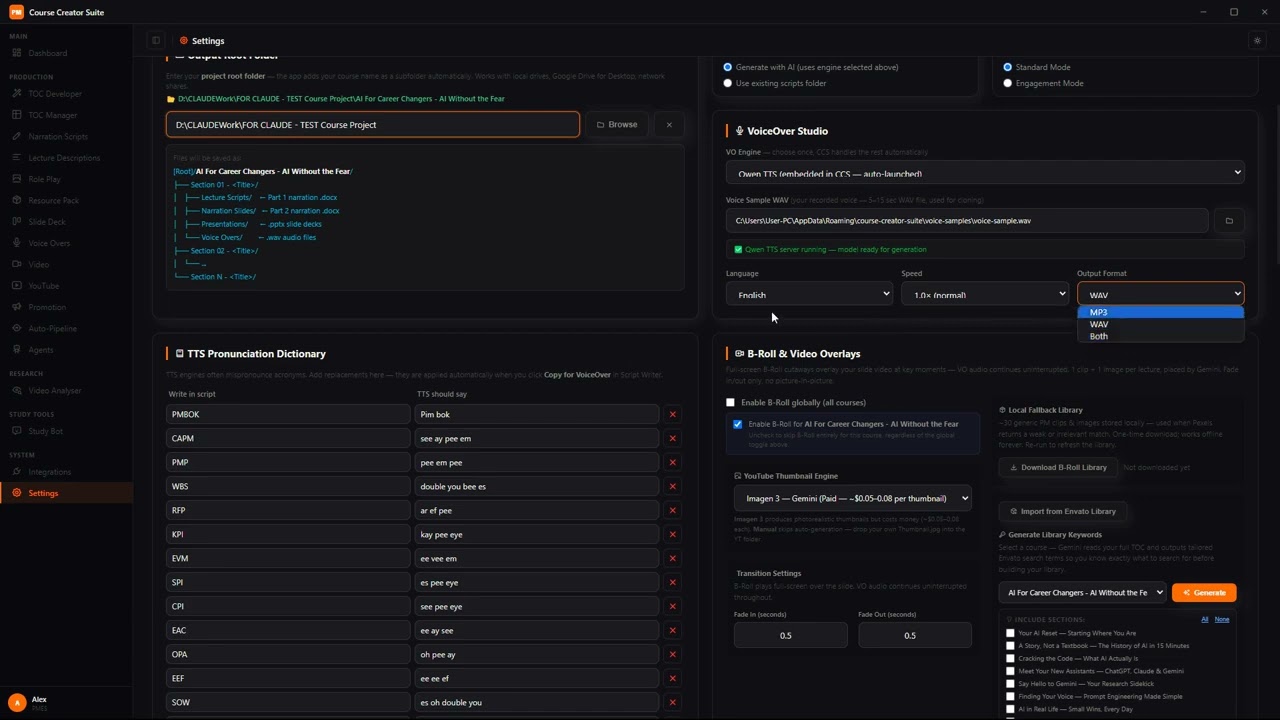
CCS reads your script aloud in your own cloned voice, entirely on your PC. No per-minute fees, no cloud subscription.

๐ŸŽž๏ธ

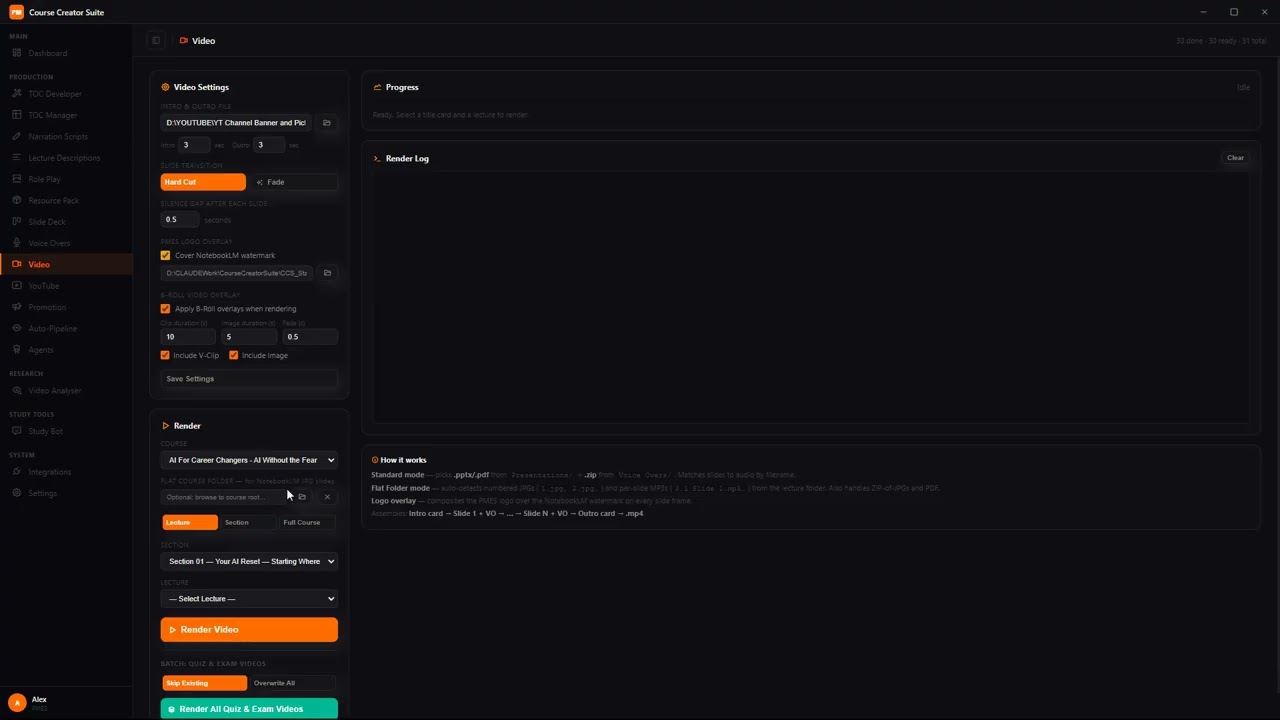
One-Click Video Assembly

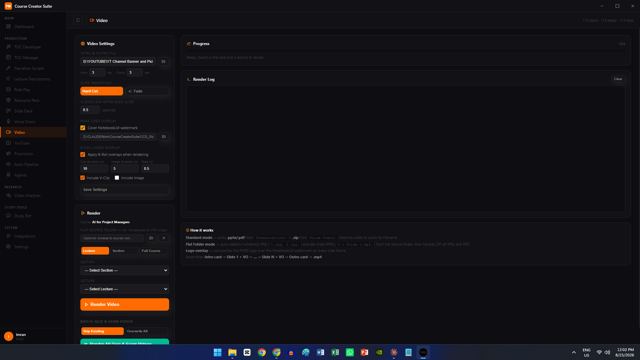
Slides, narration, and your intro/outro get stitched into a finished lecture video automatically โ€” ready to upload.

๐Ÿ“ข

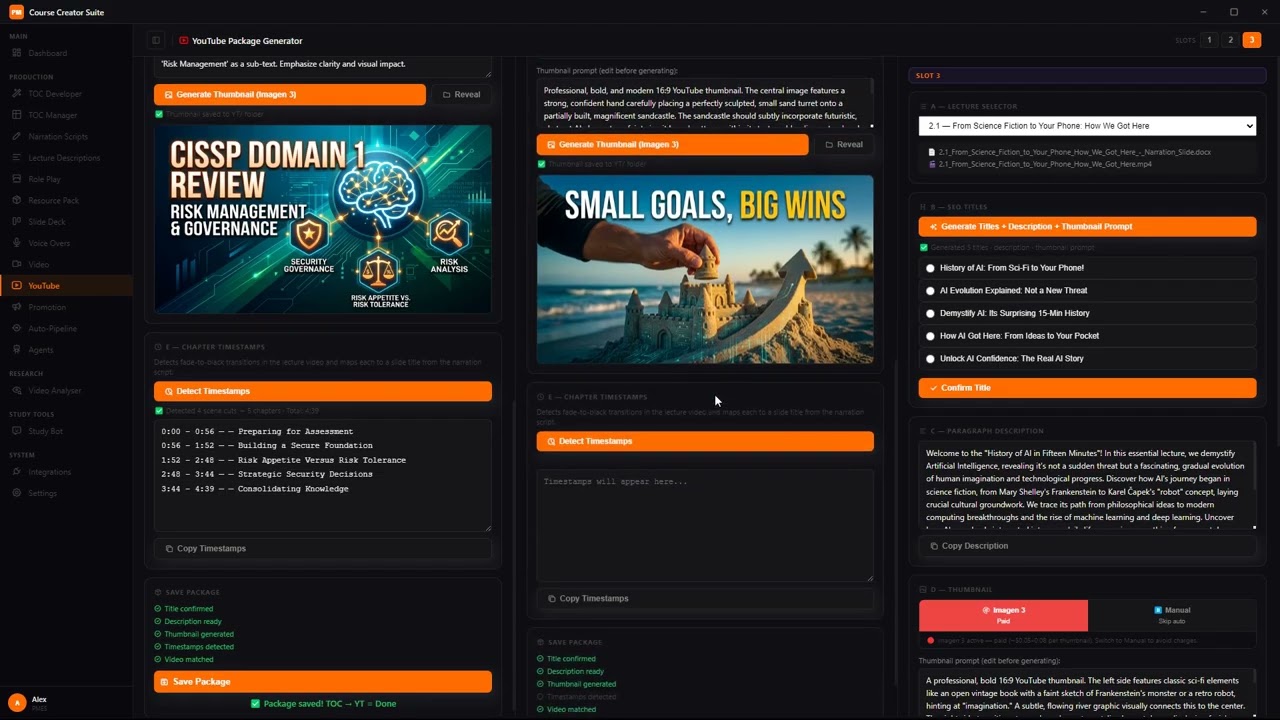
YouTube & Promotion Package

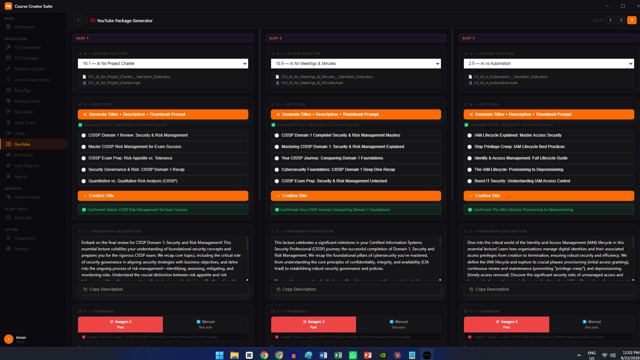
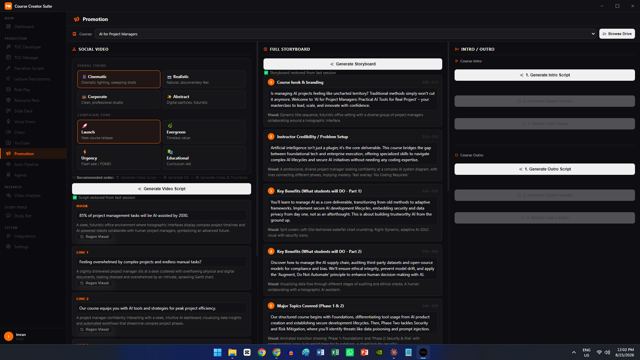
Auto-generated SEO titles, thumbnails, descriptions, plus full social video scripts and storyboards to launch your course.

โšก

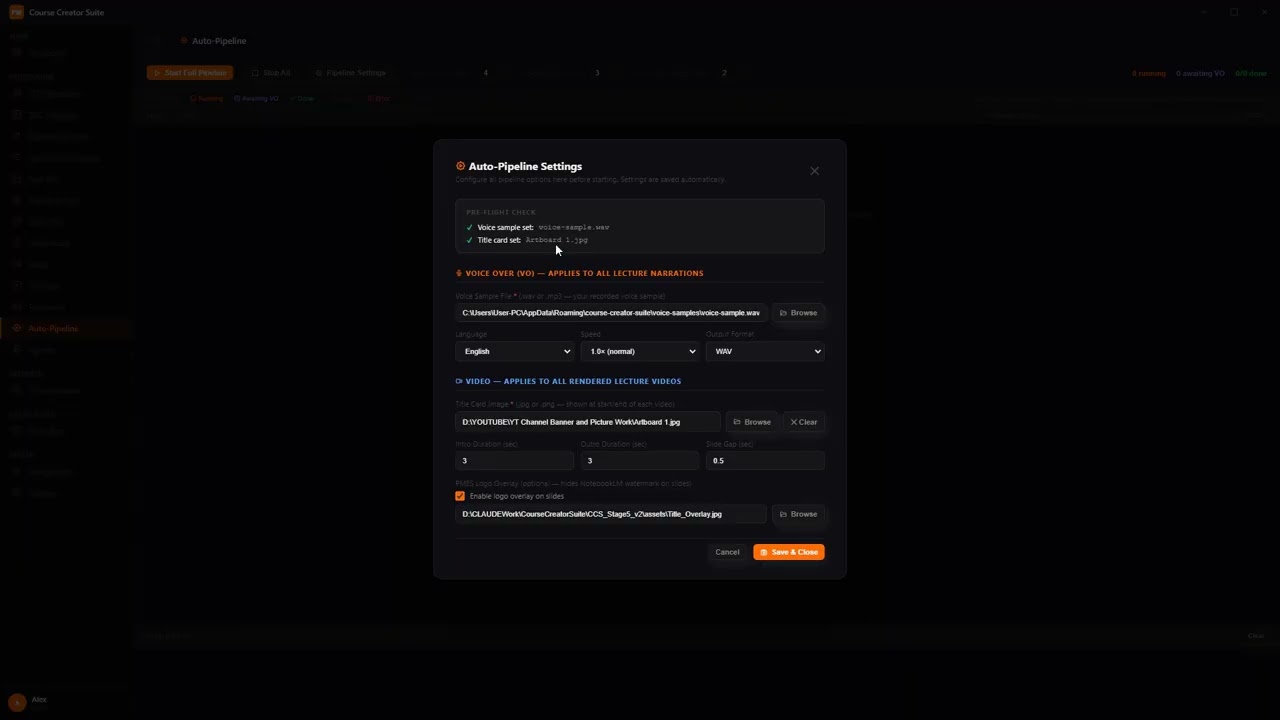
Auto-Pipeline

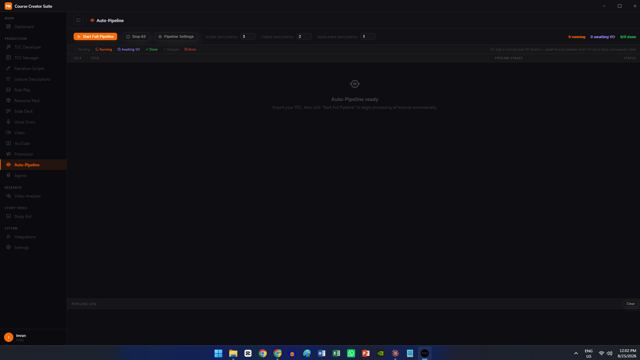
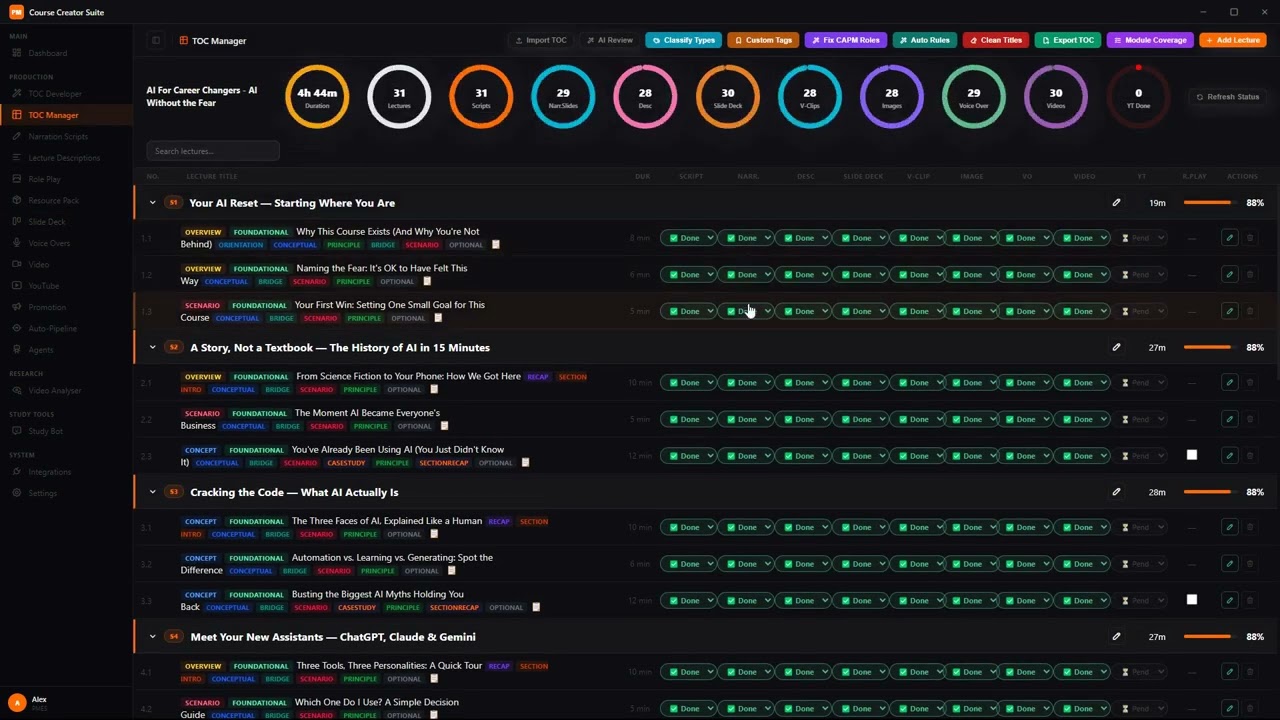
Import your outline, hit Start, and CCS generates scripts, slides, and videos for every lecture โ€” while you do something else.

Who it's for

๐ŸŽ“

Solo course creators

You're writing, designing, narrating, and editing every lecture yourself โ€” CCS takes over the production grind so you can focus on the material.

๐Ÿ“š

Certification & skills instructors

Built by someone producing PM certification courses solo โ€” if your course is 50, 100, or 150+ lectures long, this is exactly the bottleneck it targets.

๐Ÿ–ฅ๏ธ

Anyone tired of a subscription-stacked workflow

Script tool, slide tool, voice clone service, video editor โ€” CCS replaces the whole stack with one desktop app and no recurring per-minute AI fees.

See it in action

The full training series. Click any thumbnail to watch full screen.

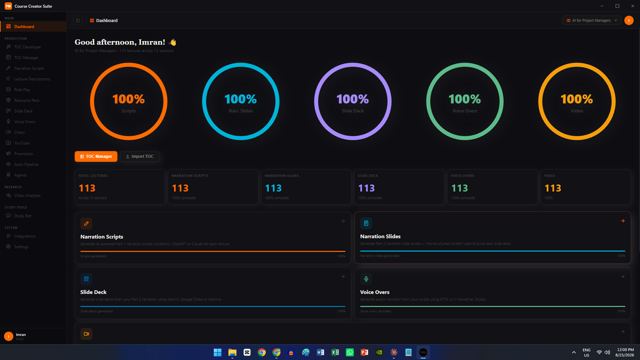
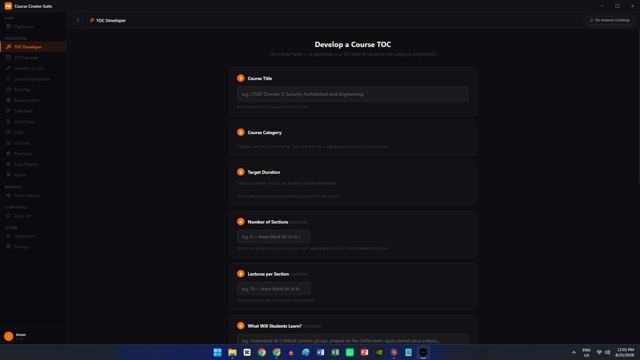
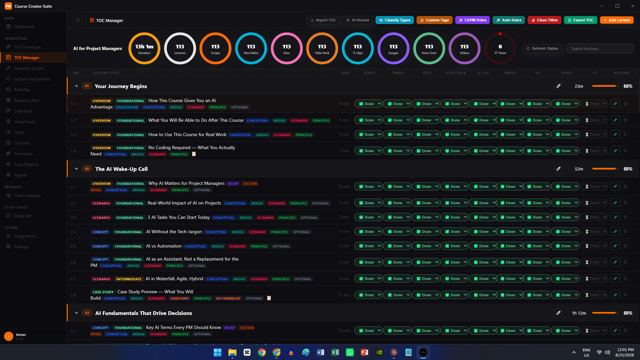
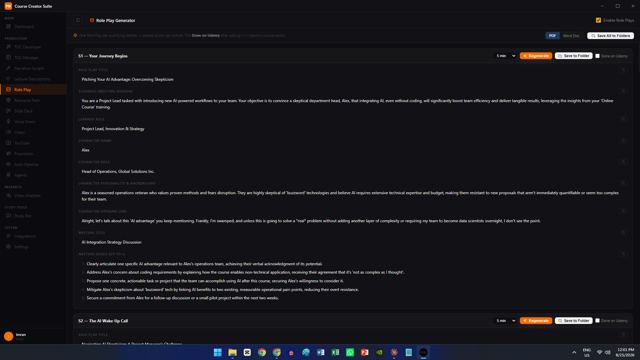
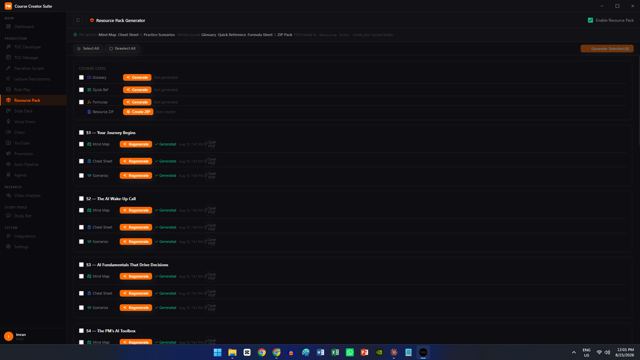
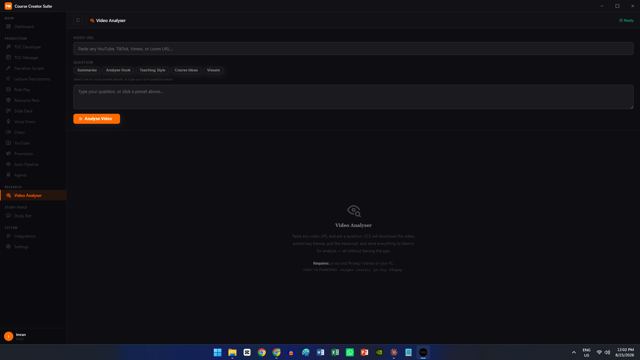
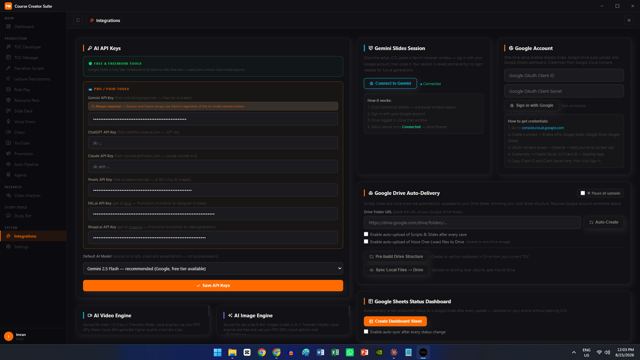
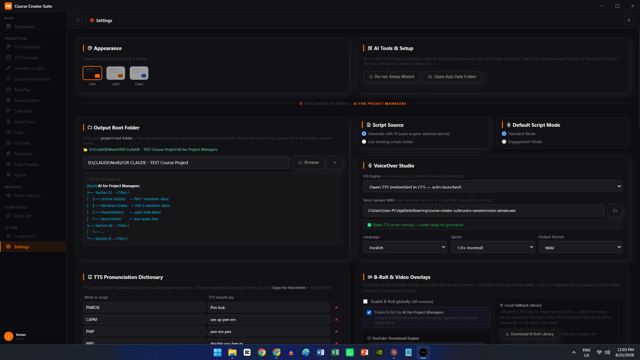
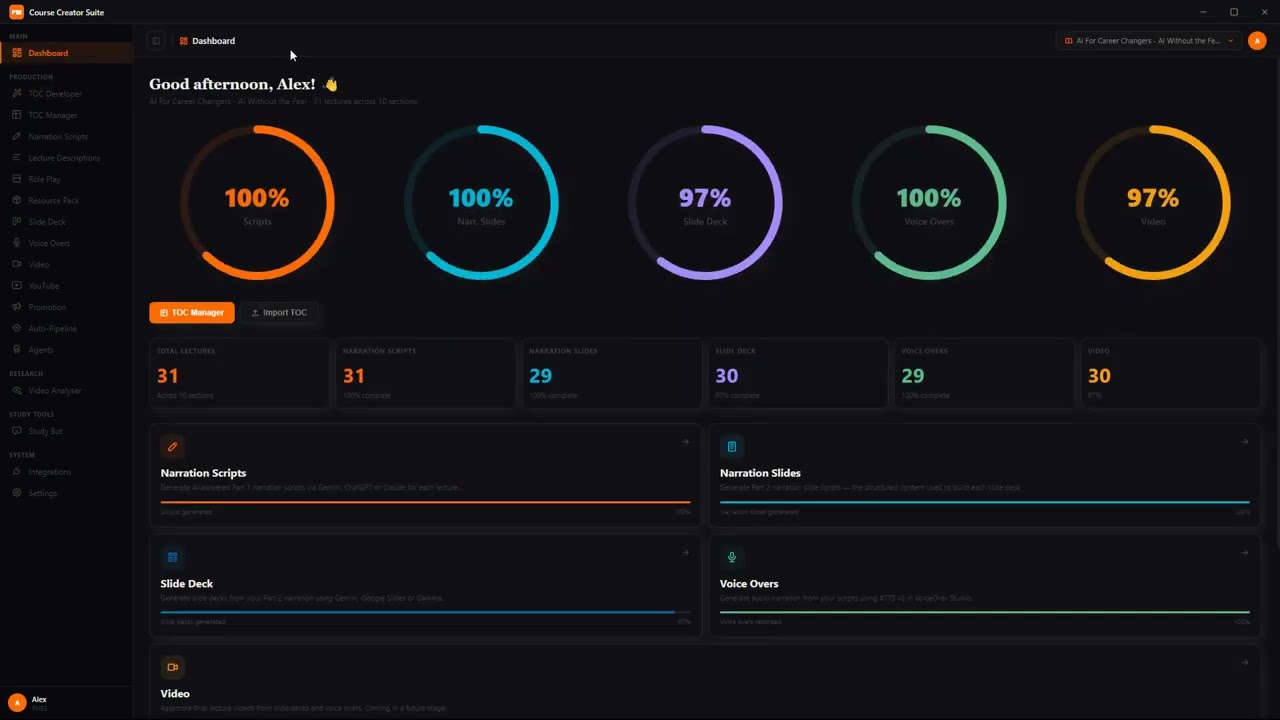
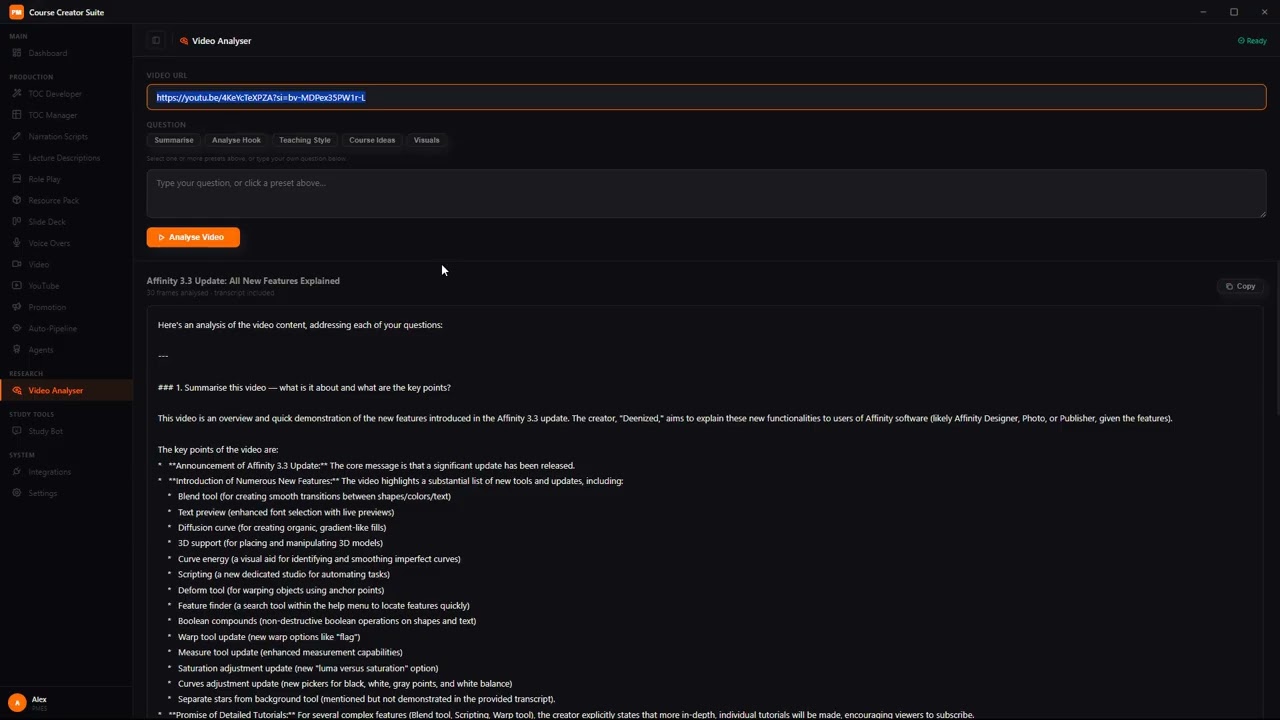
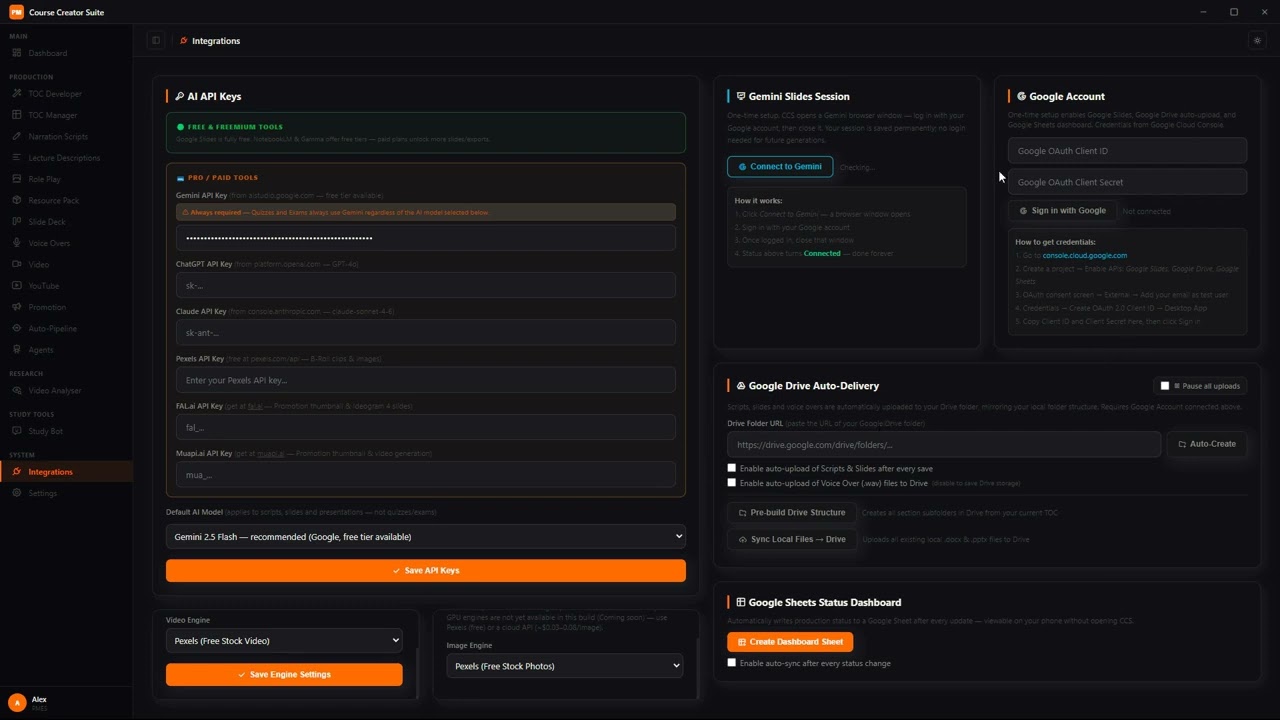
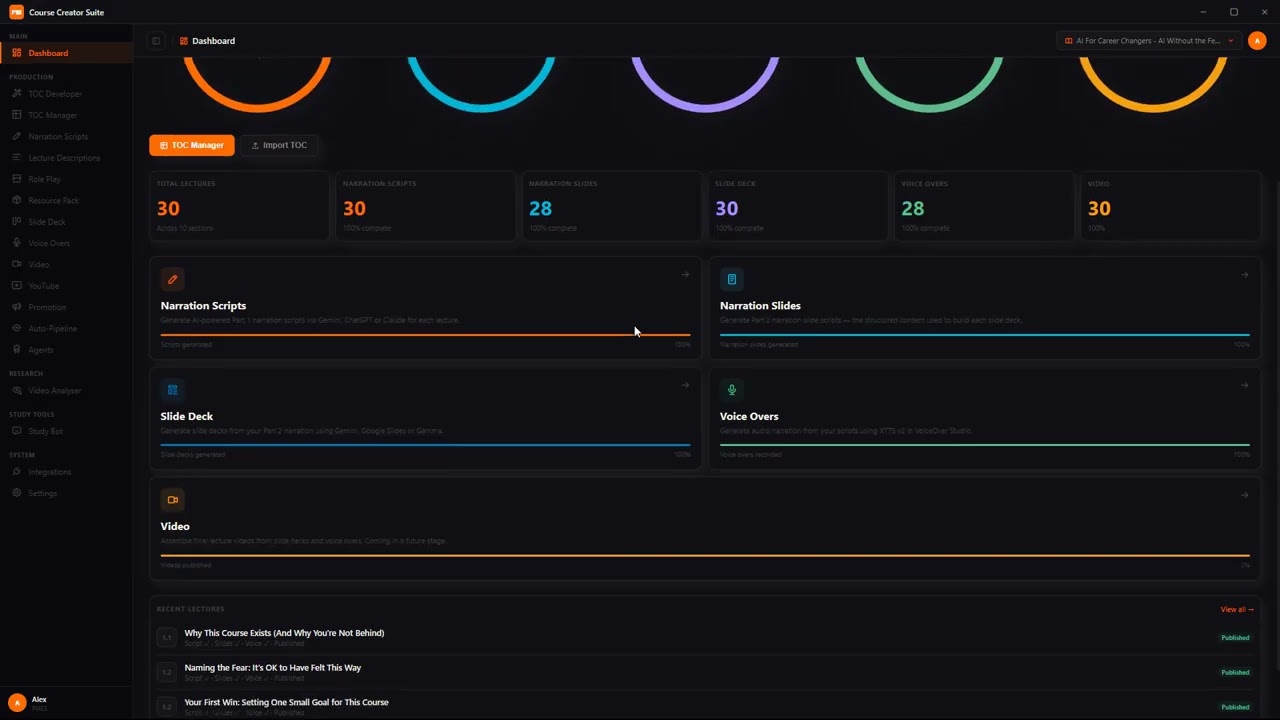
A real look inside the app

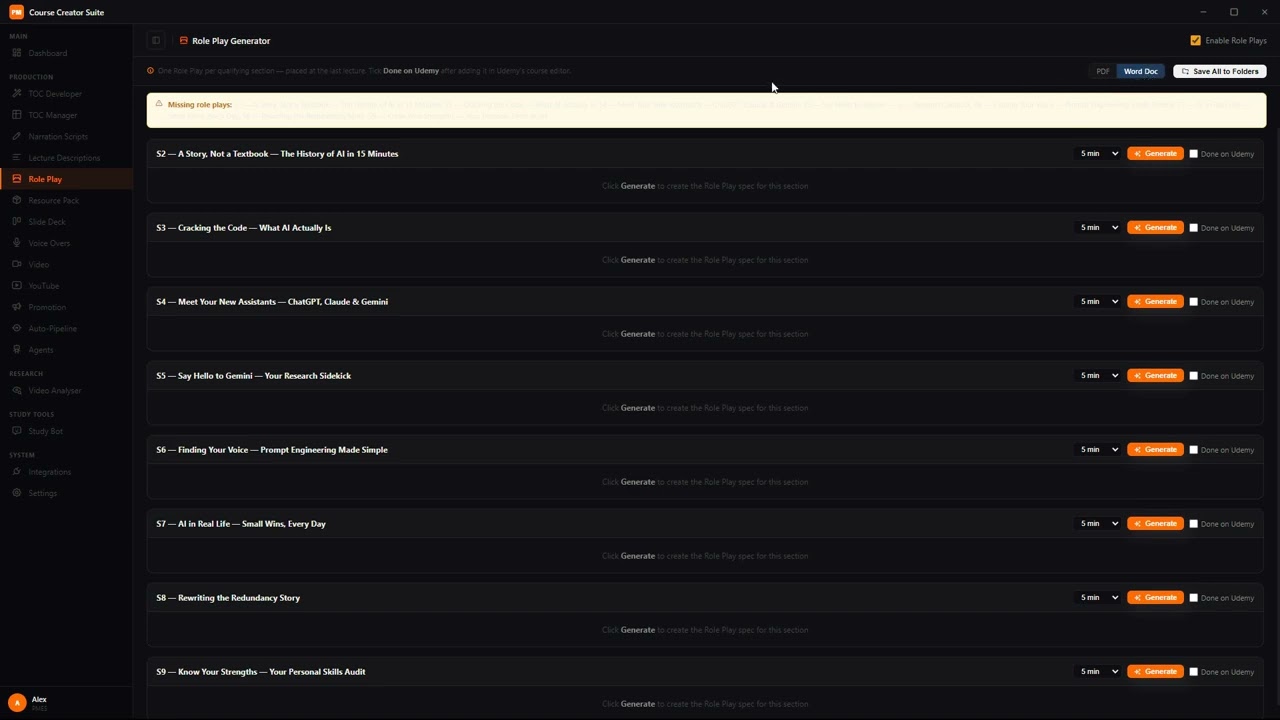
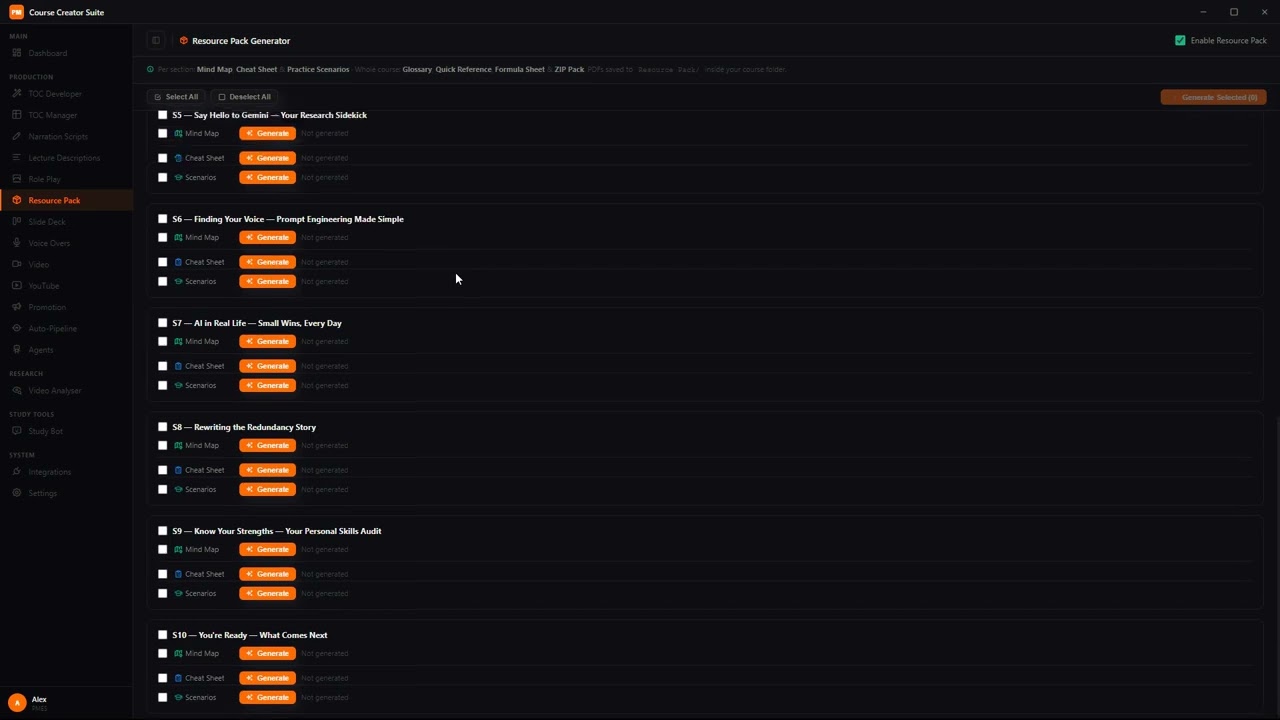
Click any screenshot to enlarge.
What's included

Before you buy

Do I need to pay for any AI service to use this?+
No. Script generation runs on Gemini's free tier, and voice-overs run on local AI models on your own PC โ€” no per-word or per-minute fees, ever.
Is my course content private?+
Yes. Everything โ€” scripts, slides, voice, video โ€” is generated and stored locally on your machine, except for the specific AI calls you choose to configure.
What if it's not right for me?+
Both Gumroad and Lemon Squeezy are one-time purchases โ€” final sale, no refunds once your download and license key are issued. Review the screenshots, feature list, and FAQ carefully before buying, or email info@pmessentialskills.com with questions first. Full terms on our Refund Policy page.
What platform does this run on?+
Course Creator Suite is a Windows desktop application.
Does the app need internet to run?+
Yes, for the AI features — script generation, voice-over, and other AI-powered steps call your own API keys (Gemini, ElevenLabs, etc.) over the internet. Your course content itself is never uploaded to our servers — only to the AI providers you've connected, the same as using their website directly. Separately, the app checks your license key online periodically (roughly every 6 hours) and can run up to 5 days offline between checks.
What are the system requirements?+
Course Creator Suite runs entirely on your own PC โ€” including AI voice generation and video rendering โ€” so your hardware matters more than with a typical app. Recommended: Windows 10/11 (64-bit), 16 GB RAM (32 GB for very large courses), a dedicated NVIDIA GPU with 6 GB+ VRAM for fast voice-over and video rendering (it will run without a dedicated GPU, but noticeably slower), and about 20 GB free disk space for the app, its AI models, and your course output. An internet connection is required for AI script generation and setup. Not sure your machine qualifies? Email us before buying โ€” per our refund policy above, sales are final.
What support do I get?+
A full Quick-Start Guide and an 18-section User Manual are included with your purchase and emailed to you after checkout, covering every screen in the app.

Get Course Creator Suite

Live Now

Gumroad

$500
Get on Gumroad
One-time payment โ€” unlimited usage, no refunds
Live Now

Lemon Squeezy

$500
Get on Lemon Squeezy
One-time payment โ€” unlimited usage, no refunds
×